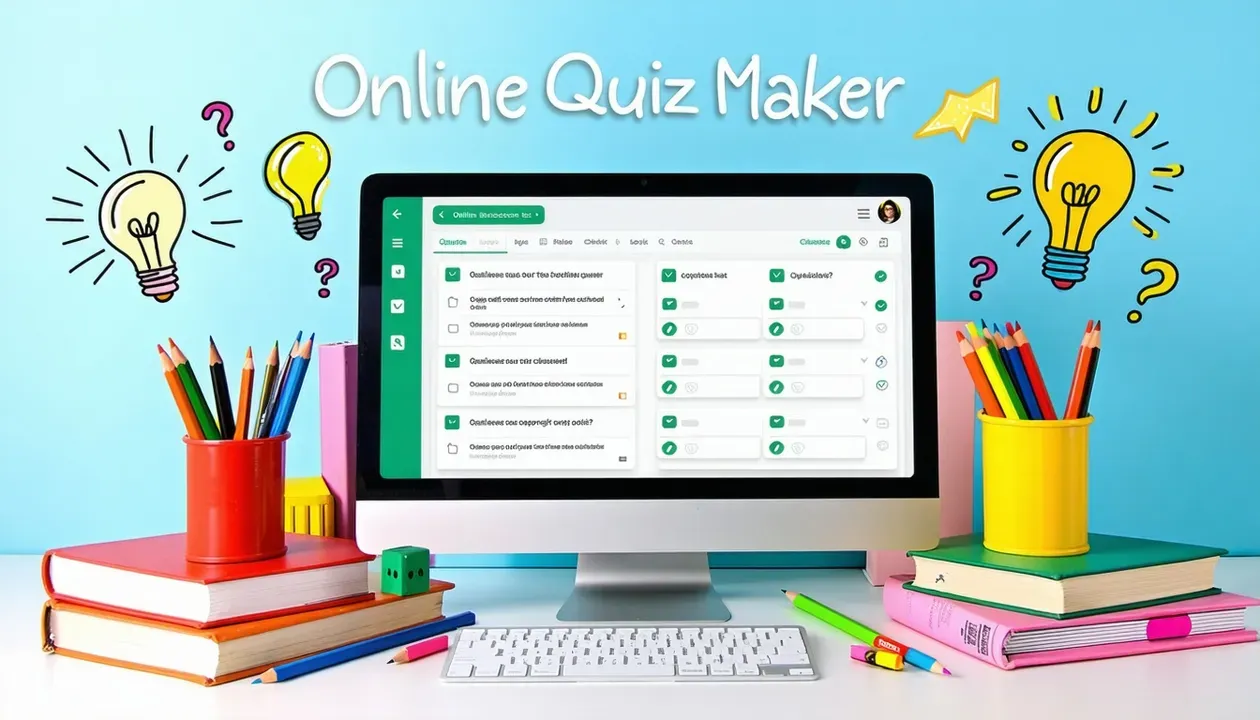
Avoid common quiz-making pitfalls and create a more engaging experience! Check out our top 5 mistakes to avoid when creating an online quiz.
Crafting an effective online quiz is more than just assembling questions—it's about designing an engaging, inclusive, and purposeful experience. However, many quiz creators unknowingly fall into common traps that can weaken their quiz’s impact, disengage users, or misalign with learning objectives.
This guide outlines the top five mistakes to avoid when building online quizzes and offers practical strategies to create meaningful and interactive assessments.
Too many questions can overwhelm participants, leading to reduced completion rates and lower engagement. Focus only on what is essential.
Tip: Keep your quiz concise and aligned with specific learning or engagement goals. For example, a quiz on WWII should highlight key events—not test every date.
Ambiguous or complex questions confuse learners and result in inaccurate assessments.
Tip: Use clear, simple language. Avoid combining multiple ideas into one question. Tools like StudyDrome help streamline the quiz creation process and maintain quality.
Unclear directions can discourage or mislead participants, especially when the format or expectations are unfamiliar.
Tip: Include a short tutorial or overview. For multiple-choice questions, clarify whether one or multiple answers are correct.
Failing to test a quiz can result in technical glitches, broken navigation, or inconsistent experiences across devices.
Tip: Test on multiple browsers, screen sizes, and with users of varying abilities—including those who use screen readers.
Quizzes that aren't designed with accessibility in mind may exclude participants with disabilities or learning differences.
Tip: Use high-contrast text, add alt text to images, provide captions on videos, and ensure keyboard navigation is possible.
Start by identifying your quiz’s main objective. Is it educational, promotional, or diagnostic? This informs the structure, tone, and content.
Purpose | Goal |
|---|---|
Educational | Evaluate knowledge or reinforce learning |
Assessment | Measure progress or skills |
Data Collection | Gather user insights or demographics |
Marketing | Drive leads and engagement |
Community Building | Foster interaction and participation |
Decide on the format (e.g., multiple choice, true/false), number of questions, and scoring method. Structure questions logically, and group related content for clarity.
Stick to one idea per question and avoid unnecessary complexity. Use consistent and simple wording to improve clarity.
Include clear, actionable directions before the quiz starts. Explain timing, number of questions, and how responses are scored.
Run the quiz on various devices (mobile, tablet, desktop) and browsers. Collect feedback from real users to identify bugs or confusing elements.
Design with all users in mind by:
Quiz Type | Purpose |
|---|---|
Multiple Choice | Efficient knowledge checks |
True/False | Quick comprehension tests |
Fill in the Blank | Encourages recall |
Matching | Connect concepts or terminology |
Essay | Assess critical thinking and communication |
Drag-and-Drop | Engage visual or sequential understanding |
Scenario-Based | Evaluate real-world decision making |
Avoid jargon or overcomplicating your questions. Align each question with the quiz’s purpose.
Add multimedia, animations, or gamification to keep participants engaged. Use branching logic to adapt questions based on user responses.
Add share buttons, leaderboards, or personalized results that users are motivated to share.
Craft attention-grabbing headlines and share across platforms. Include visuals and clear calls to action.
Collaborate with influencers or use targeted paid ads to increase visibility among your target audience.
Monitor performance metrics like:
Adjust content based on user feedback and analytics.
Review what worked well, and replicate successful formats or themes in future quizzes.
Online quizzes are powerful tools when executed thoughtfully. By avoiding common mistakes and following best practices in structure, accessibility, and promotion, you can create quizzes that are not only engaging but also educational, inclusive, and impactful.
With a clear purpose, user-friendly design, and consistent optimization, your next quiz can become a valuable resource that resonates with learners and drives results.

Assessment and edtech articles, straight to your inbox. Double opt-in, unsubscribe anytime.