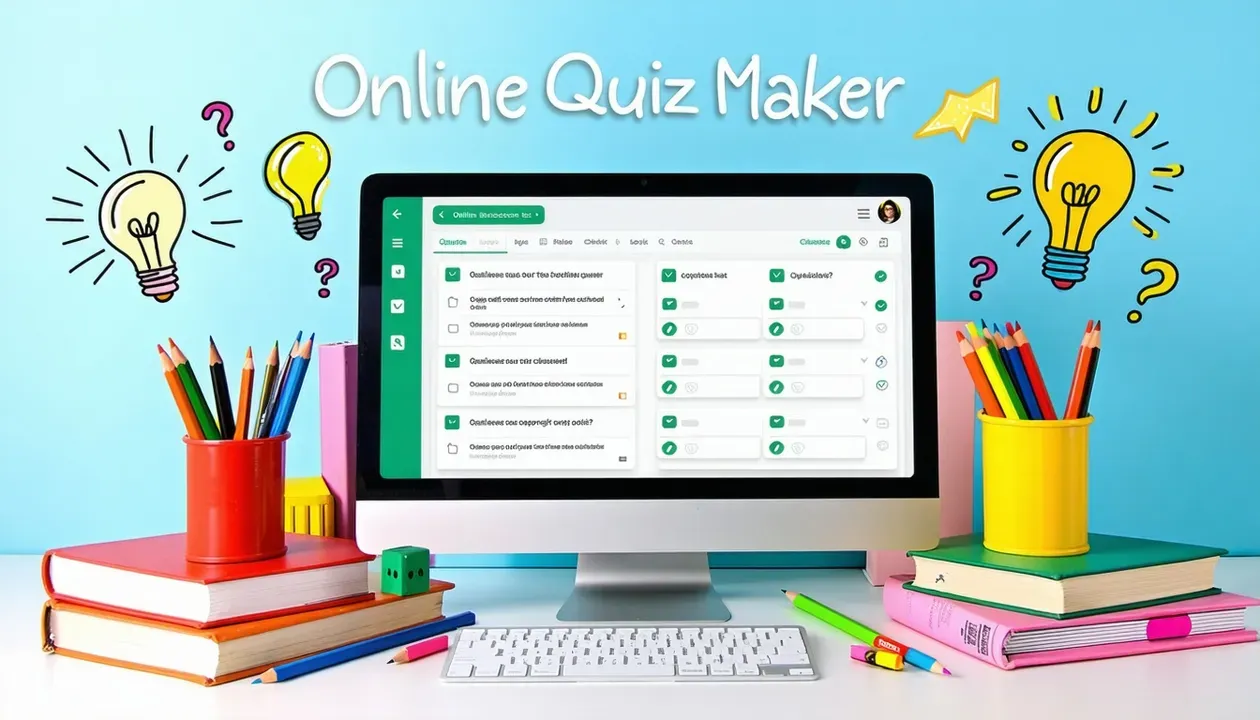
If you’ve been on the hunt for a seamless way to conduct evaluations, an online exam creator might become your best ally. It can streamline your workflow, give learners a better testing experience, and even help you go greener by cutting back on paper. Better yet, you’ll also get quick scoring and secure proctoring options to keep everyone honest.
Ready to explore all these benefits? Let’s dive into this ultimate guide.
When you switch to an online exam approach, you’re not just modernizing, you’re also opening up a world of convenience. Traditional pen-and-paper exams demand a ton of printing, distribution, and proctoring logistics. By contrast, online exam platforms significantly reduce costs and paper waste.
In fact, there’s evidence that online testing can boost efficiency and cut overhead expenses. This is particularly handy for recruitment drives or big-class scenarios, where the speed of evaluation matters.
Not all exam tools are alike. Some excel at math quizzes, others focus on advanced proctoring, while another might simply be a quick practice test generator. So, which features should you prioritize?
Below is a simple table summarizing core features to watch for:
Feature | Benefit | Use Case |
|---|---|---|
Automated Grading | Saves time and effort | Large classes or big events |
Video Proctoring | Reduces cheating opportunities | High-stakes exams |
Custom Templates | Streamlines question creation | Recurring quizzes, quick setup |
Remote Accessibility | Allows exams anytime, anywhere | Distributed teams or students |
Once you’ve identified the platform that suits your needs, it’s time to build your exams. Wondering how to get started?
Once you go live, the exam platform often scores everything automatically. Real-time analytics can show you which questions might be too hard, too easy, or a possible source of confusion.
Worried about cheating? You’re not alone. A study from 2008 noted that online courses can face a higher cheating risk if exams aren’t proctored properly. The good news is, many modern online exam creator tools come with strong proctoring controls.
Let’s be real. Online exams aren’t all sunshine and roses. Technical issues can happen, and some learners might feel less comfortable with digital testing. However, a bit of preparation can help you skip most headaches.
Balancing security with user experience is a key goal. Tools that incorporate advanced proctoring can ensure safety, while still being easy to navigate. In a 2010 analysis of online courses in Turkey, it was shown that blending online quizzes with occasional proctored face-to-face exams can strike a helpful balance.
Looking for a fail-safe approach? Create a mock test using a smart exam creator to experiment with new settings. This way, you’ll see exactly how well your learners adapt to the interface.
An online exam creator offers you a streamlined way to test knowledge, enforce academic integrity, and cut back on administrative hassles. By picking the right features, setting up strong proctoring, and giving learners enough practice, you can significantly lower everyone's exam-day stress.
It’s time to take the leap. Whether you’re coordinating a corporate employee assessment or a midterm for your university class, going digital can truly be a game-changer. Plus, it’s friendlier to the planet. Give it a try, watch how smoothly your testing sessions run, and celebrate the quick results. And if you’ve got any tips or success stories to share, feel free to drop them in the comments. Good luck with crafting your next stress-free assessment!

Assessment and edtech articles, straight to your inbox. Double opt-in, unsubscribe anytime.